How to Plan a Trip on a 3D Globe (and Why It Helps)
Planning on a spinning globe shows real distances, routes and gaps that a list never will. Here's how to use one to plan your next trip, step by step.
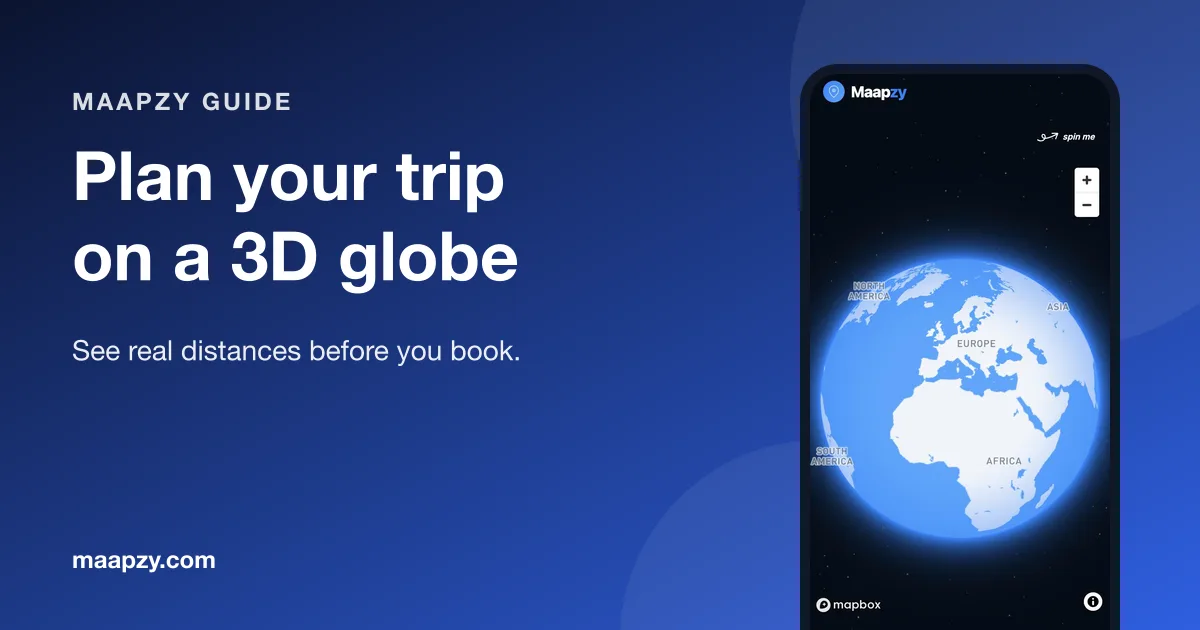
Flat maps lie a little. They stretch the far north, squash the tropics and make some routes look shorter or longer than they are. A globe shows the world as it is, and that makes it a surprisingly good tool for planning a trip.
This guide explains when a globe beats a list or a flat map, and how to plan a route on one from first idea to saved journey.
Why plan on a globe instead of a list?
- Real distances. You see at a glance that Lisbon to Istanbul is a long way, and Vienna to Budapest is not.
- Better route order. Stops that zig-zag across the map stand out immediately.
- Big-picture ideas. Spinning the globe is a fun way to spot a region you hadn't considered.
- One view for everything. Past journeys, saved places and new plans sit on the same map.
Step 1: Start with the region, not the cities
Spin the globe to the part of the world you're curious about and zoom in. Before adding anything, look at what's close together. Coastlines, mountain ranges and borders all shape a sensible route.
If you're stuck for ideas, our list of underrated European cities is a good place to start.
Step 2: Add your stops
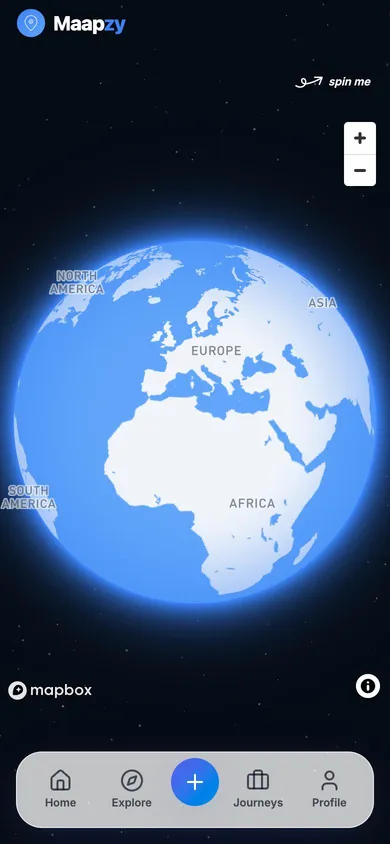
In Maapzy, tap the plus button and search for a city to add it as a stop. Each stop gets a number and a pin, and the route draws itself between them. Add the places you're sure about first, then the maybes.
Keep it realistic
A good rule is at least two nights per stop, and fewer stops than you think. Our guide on how to create a travel itinerary goes deeper on pacing.
Step 3: Reorder and trim
Now look at the line. Does it double back? Is there one stop far away from the rest? Drag stops to change the order, or ask Maapzy to suggest a next stop when you have a gap. Removing one stop often makes the whole trip calmer.
Step 4: Check how you'll get between stops
Distance on the globe is a first check. For real travel times and prices, Maapzy includes booking search for trains, buses, flights and ferries, powered by Omio. Looking at connections early can change the best order of your stops.
Step 5: Save it as a journey and invite people
Save the route as a journey. It stays on your globe alongside your past trips, and you can invite the friends you're travelling with so everyone works from the same plan. See how to plan a trip with friends for the group side.
Globe or flat map: when to use which
Use the globe for the big decisions: which region, which cities and in what order. Switch to a flat, zoomed-in map once you're inside a city and need streets, stations and neighbourhoods. Most good trips use both, the globe for the shape of the trip and the flat map for each day.
Example: a 10-day route planned on the globe
Say you want ten days in Spain and Portugal and you've added Barcelona, Madrid, Seville, Lisbon and Porto. On the globe, the line jumps east to west and back. Reordering takes seconds:
Days 1–3: Barcelona
Fly in, settle in and give the city two full days.
Days 4–5: Madrid
A fast train takes around three hours. One full day is enough for a first taste.
Days 6–7: Seville
Another fast train south. Evenings here are the highlight.
Days 8–10: Lisbon
Here the globe shows the catch: Porto sits far to the north. Dropping it keeps the last days relaxed, and you can save Porto for a separate weekend. Our 10-day Portugal itinerary covers it properly.
Common globe-planning mistakes
- Too many stops. If the route looks like a scribble, it is one.
- Ignoring travel days. A five-hour train is half a day gone, not a free move.
- Planning only by distance. Mountains, ferries and borders can make short hops slow.
- Forgetting the way home. Check that your last stop has a good connection back.
Use the globe after the trip, too
When you're back, the journey stays on your globe. Over time it becomes a picture of everywhere you've been. Our guide to making a map of everywhere you've traveled shows how to fill in past trips.
Globe planning checklist
- Spin to the region and zoom in before adding stops
- Add the must-see cities first, then the maybes
- Plan at least two nights per stop
- Remove any stop that sits far from the rest of the route
- Check train, bus and flight times between stops
- Save the route as a journey in the globe planner
- Invite the people you're travelling with
Frequently asked questions
Is a globe better than a flat map for planning?
For seeing real distances and the overall shape of a route, yes. Flat maps distort size and distance, especially far from the equator. For street-level detail inside a city, a flat map is still easier.
Can I plan a trip on a globe for free?
Yes. Maapzy's globe planner is free on the web and in the Android app. You can add stops, reorder them and save the route as a journey.
How many stops should a two-week trip have?
Usually four to six. That gives you two or three nights in most places and leaves room for travel days. Our two-week Europe trip guide has example routes.
Sources
Start your next trip on a map.
Pin a few cities and see what a realistic route looks like — in five minutes, for free.
Open the plannerKeep reading
- How to Become a Local Guide in Your CityLove showing friends around your city? Here's how to become a local guide: what to offer, how to set a price and how travelers find and contact you.
- How to Export Your Google Maps Saved Places (and Use Them for a Trip)Export your saved places from Google Maps with Google Takeout, then import them into a trip planner so they sit on your map next to your route.
- How to Create a Travel Itinerary That Actually WorksBuild a realistic day-by-day travel itinerary with anchor stops, honest travel times and room for the unexpected, so your trip never feels rushed.